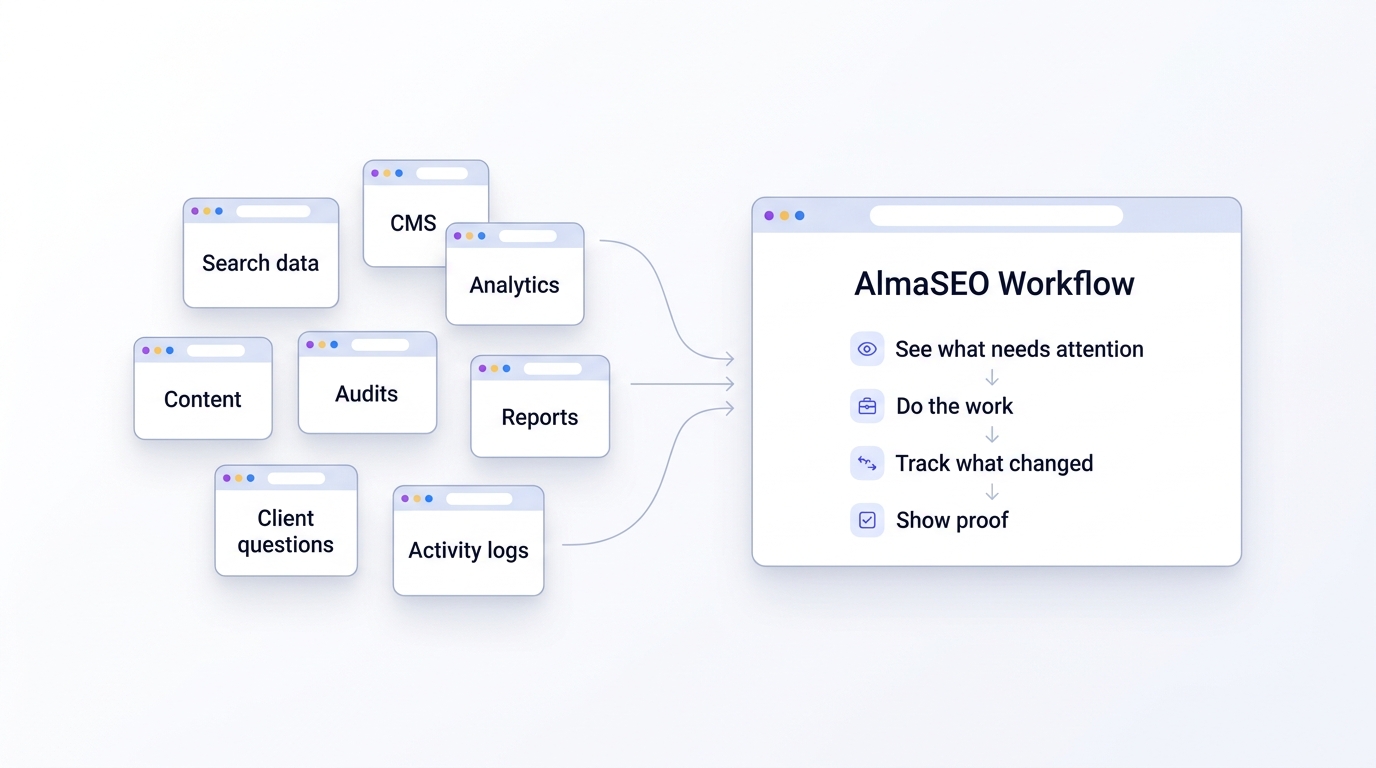
SEO Recovery
Traffic fell off a cliff and nobody can say why.
Pull Search Console, technical health and live search signals into one diagnosis, then draft the recovery plan and the client update.
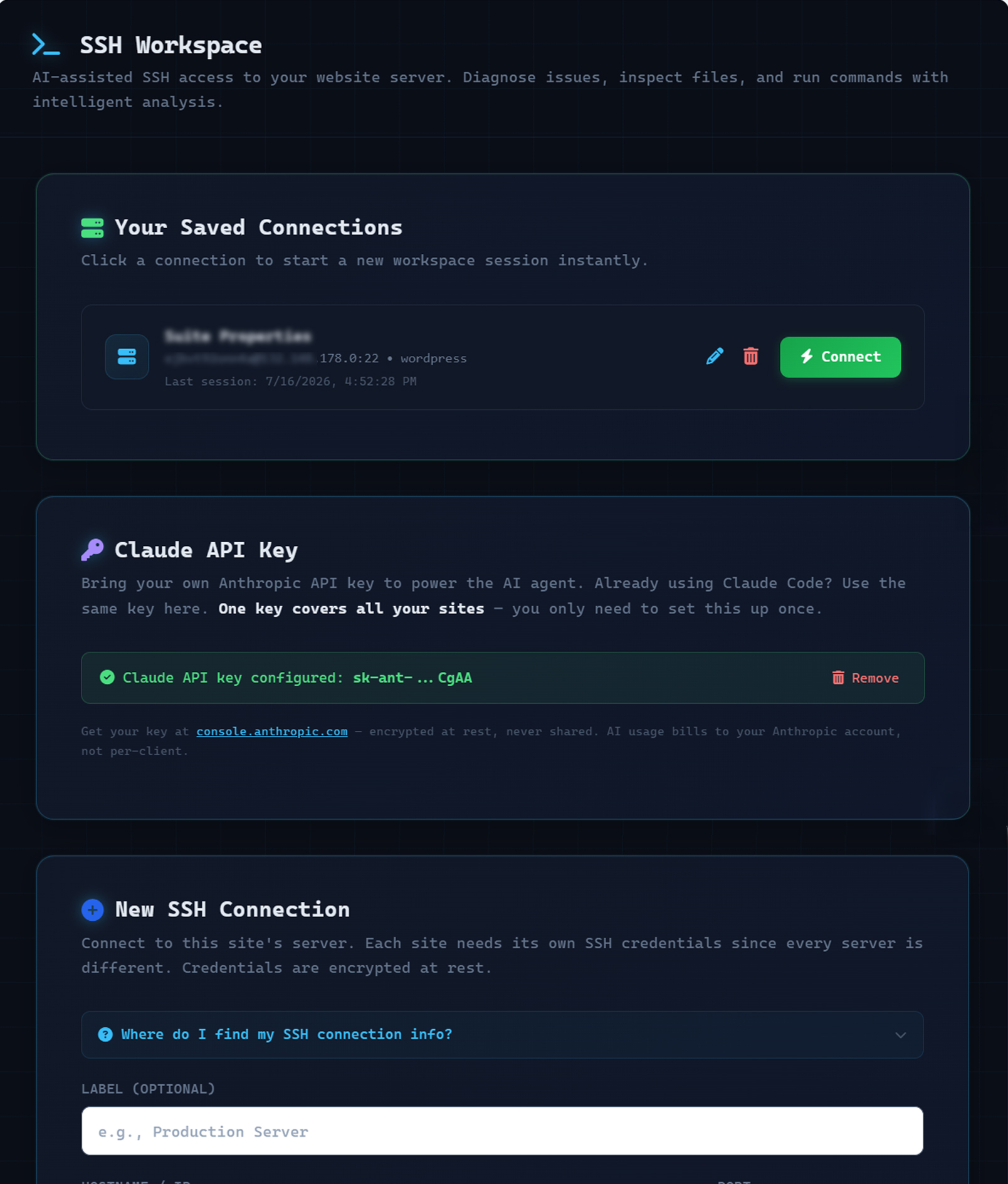
Every diagnosed drop has a Fix in SSH button. The page, the diagnosis and where to start looking arrive in the workspace together.
The SEO recovery audit →
Open this in the demo →
Technical SEO & Indexing
You published it. Google never indexed it.
Audit performance, schema and crawler access, watch for pages falling out of the index, and resubmit them in a click.
Missing schema, a blocked AI crawler, no llms.txt — each one gets a Fix in SSH button that hands the workspace the issue and the fix to make.
Technical SEO & indexing →
Open this in the demo →
Finding the Work
A keyword tool tells you what’s popular. It has no idea where you stand.
AlmaSEO does. AlmaSEO reads your real Search Console queries next to your content gaps, your cached SERP data and your own Google Ads history, then scores every keyword by where you actually rank — because four positions from page one beats ten thousand searches you’ll never win. Sitting at #6 with a 1% click rate isn’t a ranking problem, it’s a headline problem, and AlmaSEO says so. Costs nothing to run.
Every row has a Fix in SSH button. A low-CTR keyword lands in the workspace with its position, its impressions and a written brief to rewrite the title tag.
SEO quick wins →
Open this in the demo →
AI Search
You rank first, and the AI answer never mentions you.
Find the prompts already naming your brand across ChatGPT, Perplexity, Gemini and Google AI, see which of your pages get cited, and grade how quotable a page is.
Blocked AI crawlers, a missing llms.txt, any action item on the readiness report — each has a Fix in SSH button. The workspace gets the finding, not a screenshot of it.
AI search optimization →
Open this in the demo →
Local SEO
Your Business Profile lives in a tab that talks to nothing.
Business Profile metrics, reviews and the search terms people actually used; every location’s name, address and phone; city-level rank tracking per location — feeding the same audit, the same content plan and the same client report as the rest of the site.
A listing that’s missing or has the wrong details gets a Fix in SSH button — the directory and your correct name, address and phone go to the workspace together.
Local SEO software →
Open this in the demo →
Content Production & Publishing
Every other AI writer invents the customer. Yours quotes one.
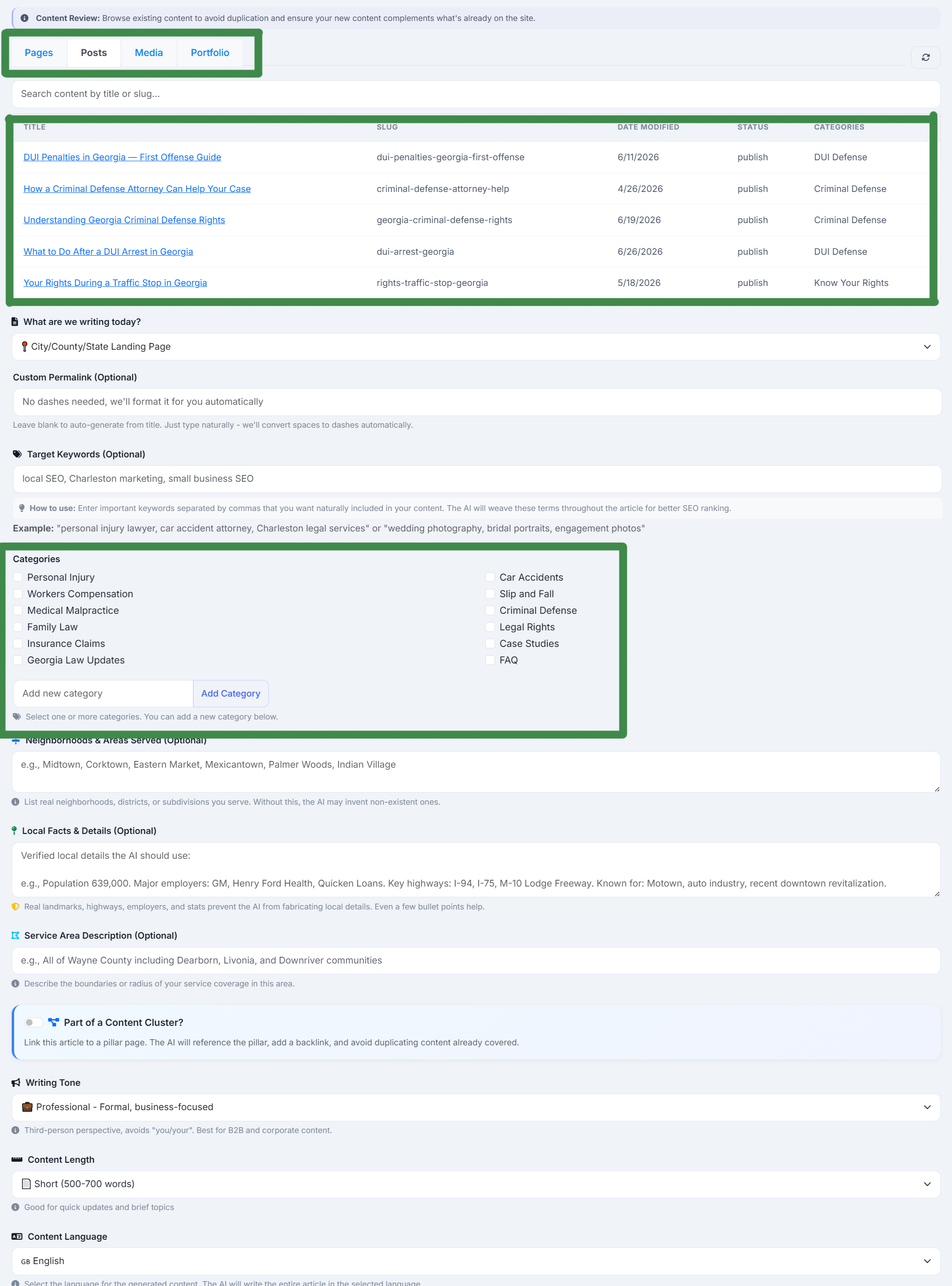
AlmaSEO writes from what your client actually has: their real 5-star Google reviews, quoted word for word and left in the language they were written in. Their licenses and certifications, attributed to the person who holds them. Their own YouTube videos, embedded where they fit — or watched, and turned into the article. Every city hyperlinked to that location’s Google Maps page. Then Google’s own language model grades what AlmaSEO wrote, before publishing into WordPress with the SEO fields your plugin already expects.
The workspace can draft an article and set its SEO fields without you leaving the session.
The SEO content writer →
Open this in the demo →
Client Reporting & Billing
You did the work. Now prove it, and bill for it.
Turn the activity log into branded client reports and readable summaries, then into retainers and invoices against the same record.
Server work done in the workspace lands in that same activity log — so it reaches the client report like every other job.
White label client reporting →
Open this in the demo →
Agency Operations
The clients are handled. The agency isn't.
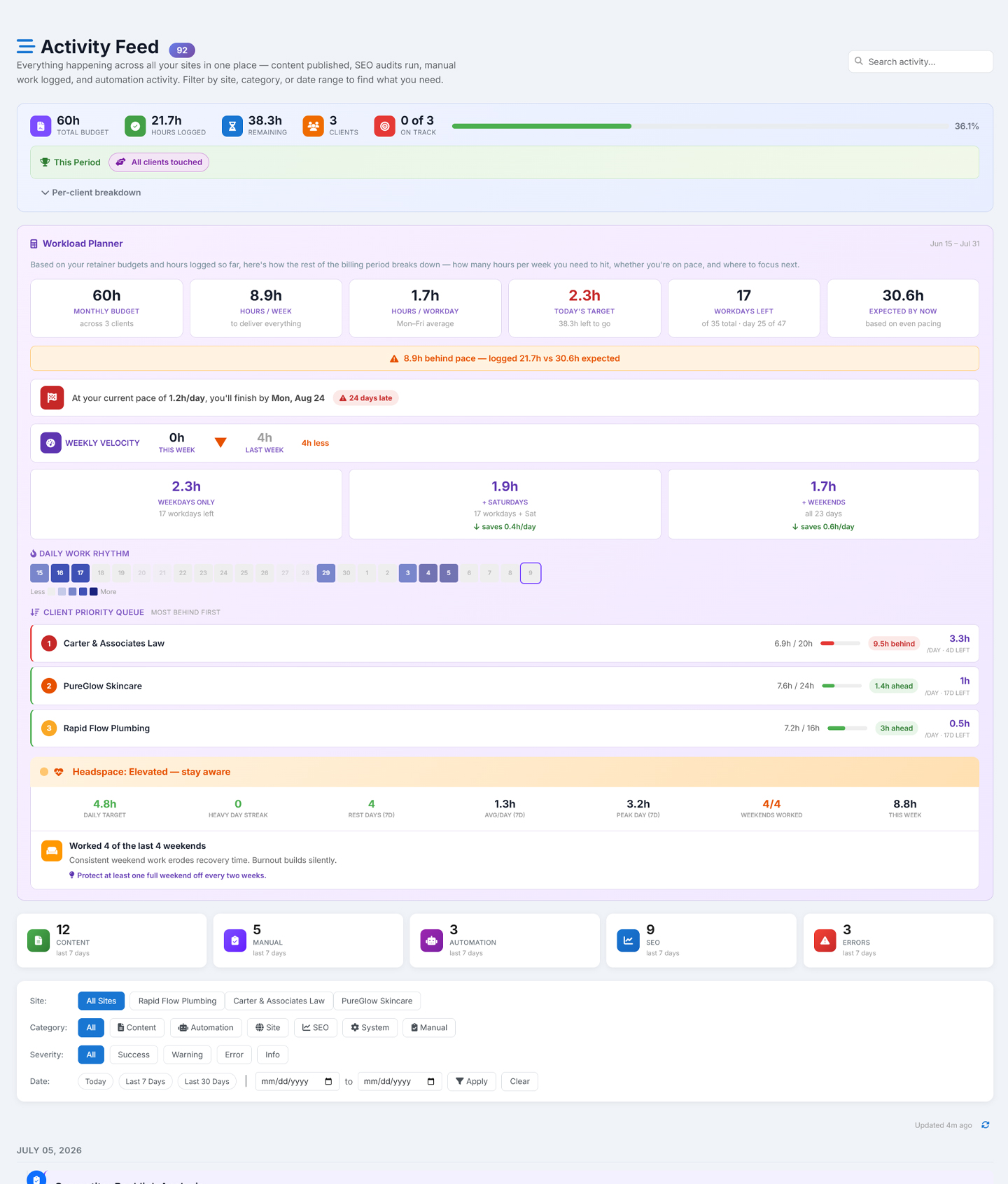
Run the portfolio: client profiles, teams with per-site access, strategy plans, profitability and the shared activity feed.
The workspace reads your strategy plan and retainer numbers too — and its view spans every site you manage, not one at a time.
SEO project management →
Open this in the demo →
Work Intelligence
Every tool tracks the site. Nothing tracks you.
A live work timer running across sites, the retainer it counts against, and a Daily Briefing at login that shows your pace and the team’s contributions — with a burnout check that tells you when you’re working too hard. The hours you log are the same hours the report shows and the invoice bills.
Fix something in the workspace and export the session — server work lands in the same journal as everything else you did that month.
Workload & retainer tracking →
Open this in the demo →
Every card links to its full page here, and to that area running on a populated client workspace — read-only, no signup. Or create your account and connect your first site.